Sun Salutation Interaction
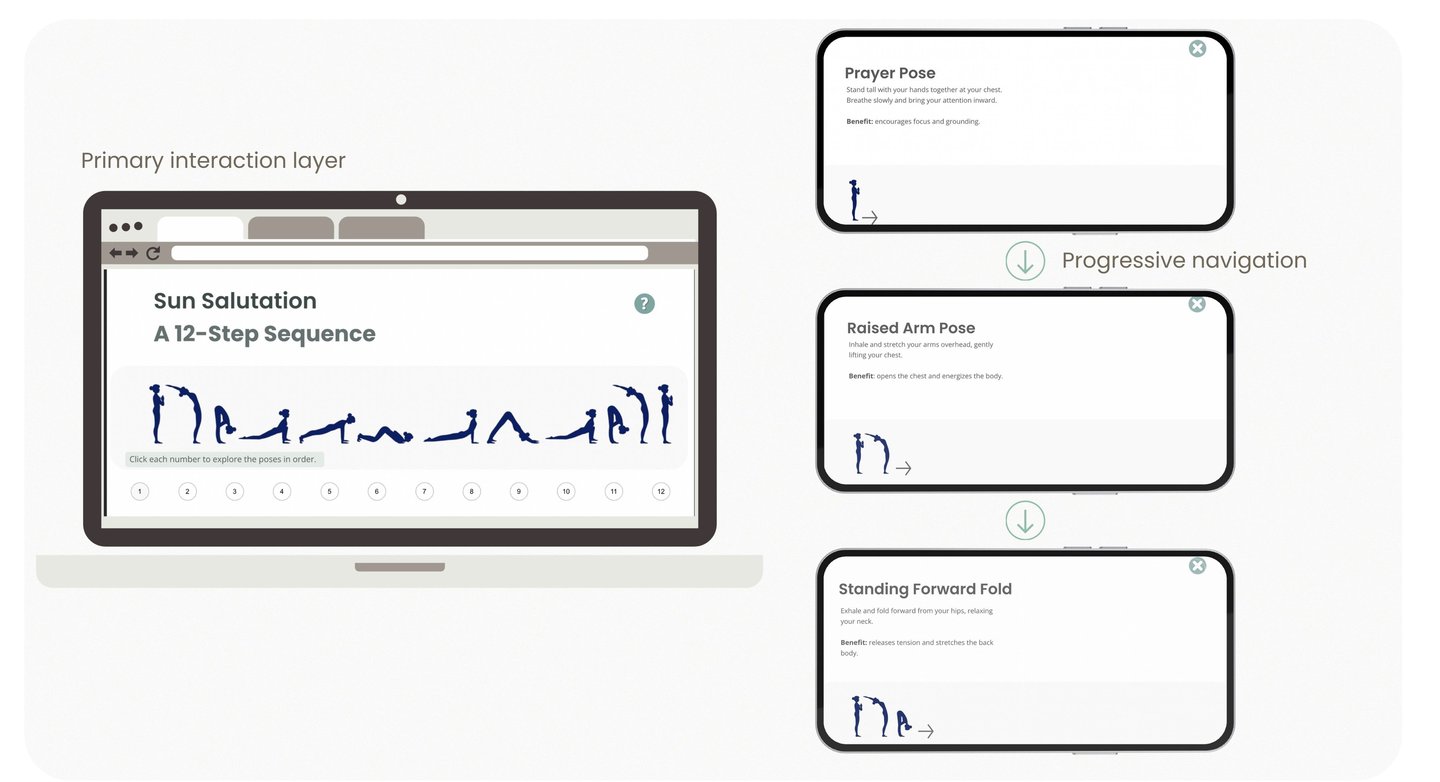
This interaction introduces learners to the Surya Namaskar (Sun Salutation) sequence through an interactive, step-by-step experience. Learners explore each pose at their own pace while receiving clear guidance, benefits, and optional audio support.
Overview
Design Focus
The interaction was designed to support calm exploration and body awareness while maintaining simple navigation. Progressive disclosure prevents cognitive overload and encourages reflective engagement.
Mindfulness Microlearning Course
Interactive eLearning Module | Articulate Storyline
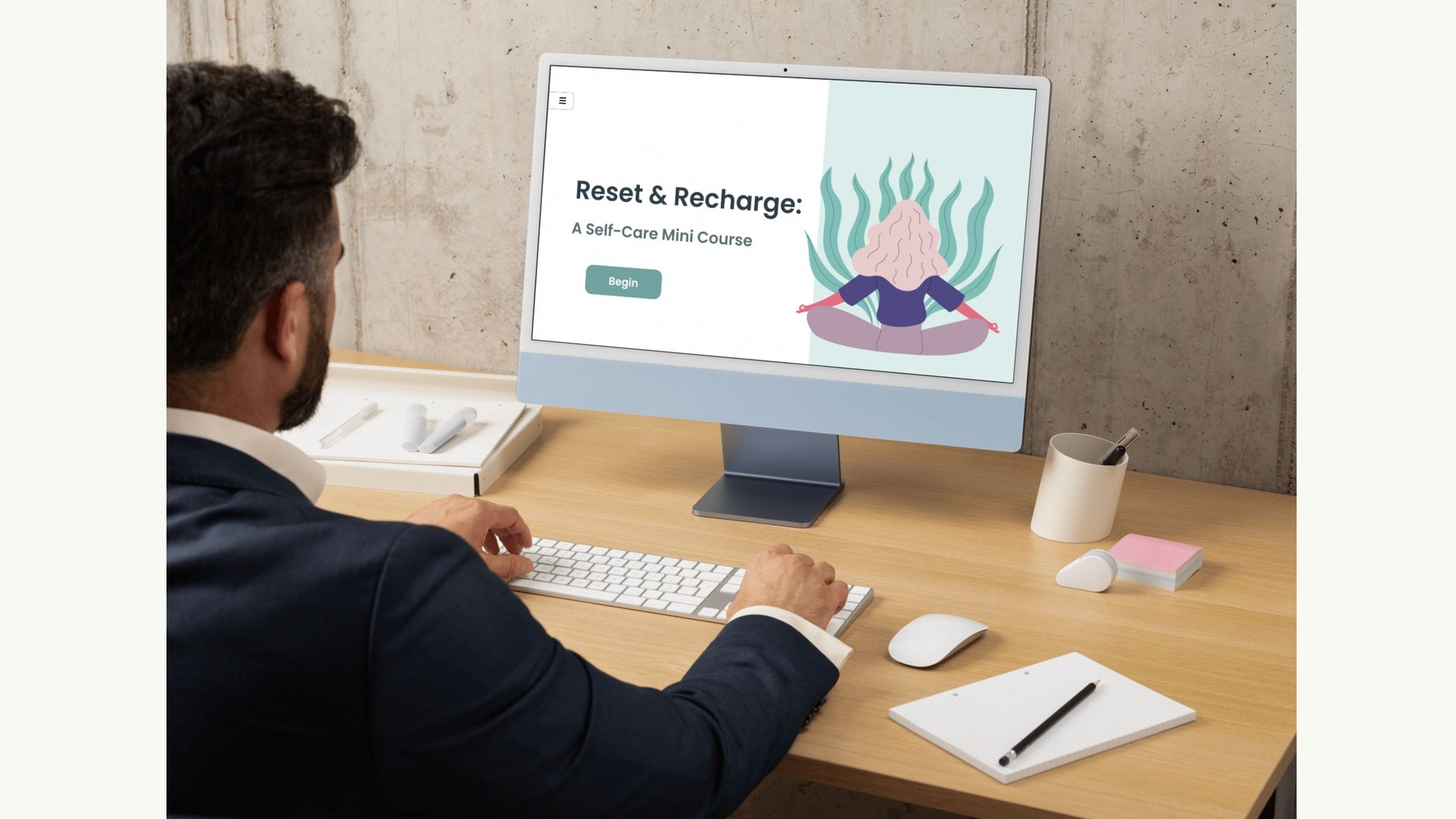
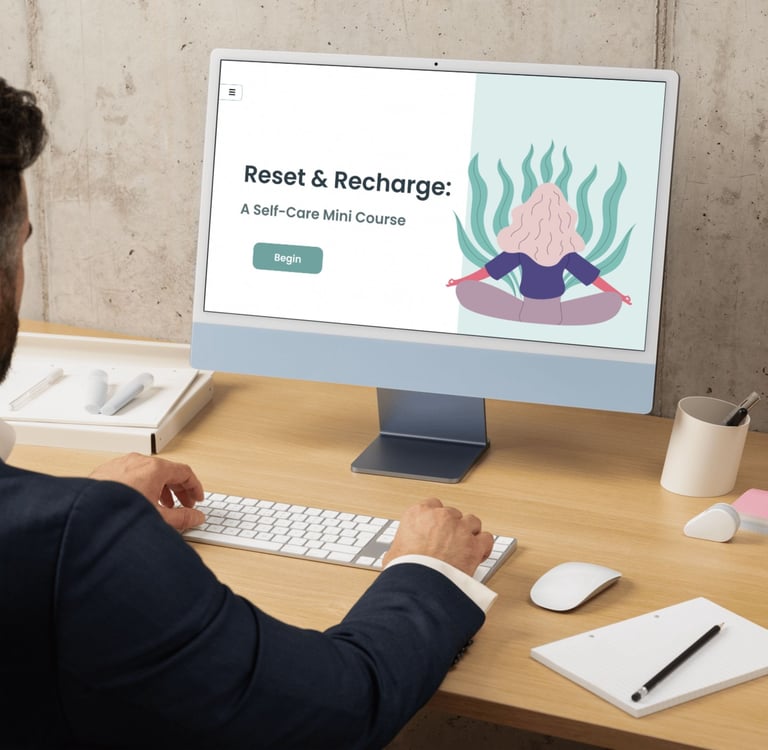
This mindfulness microlearning module introduces learners to simple practices that support relaxation, emotional regulation, and body awareness. The experience includes gentle movement, breathing exercises, journaling prompts, and guided relaxation to help learners pause and reset in a practical way.
A key part of the module focuses on the Surya Namaskar (Sun Salutation) sequence, presented as an interactive 12-step exploration that learners can move through at their own pace. Each pose includes clear instructions, benefits, and optional audio support, making the experience approachable for both beginners and those already familiar with mindfulness practices.
About the Experience
Interaction Highlights
This module uses layered interactions, reflective prompts, and guided practices to support emotional regulation and mindful awareness.
Guided mindfulness tools
Short, practical exercises provide learners with accessible techniques for calming the nervous system and improving focus.
Interaction overview
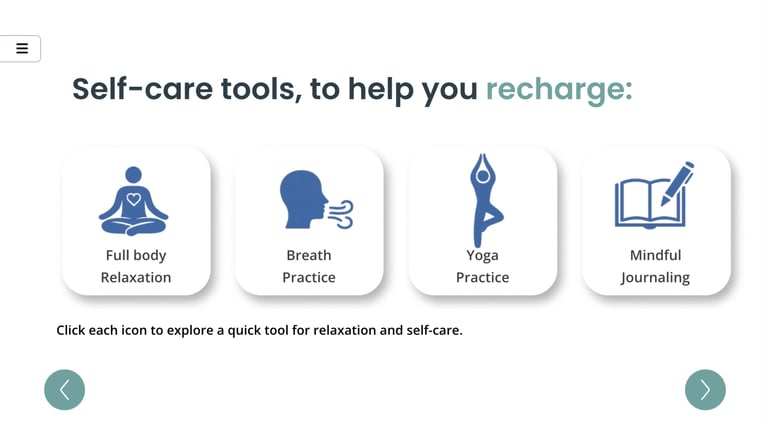
This interaction introduces learners to practical self-care strategies through icon-based exploration. Each icon opens short guidance and activities, allowing learners to choose techniques that match their needs and emotional state.
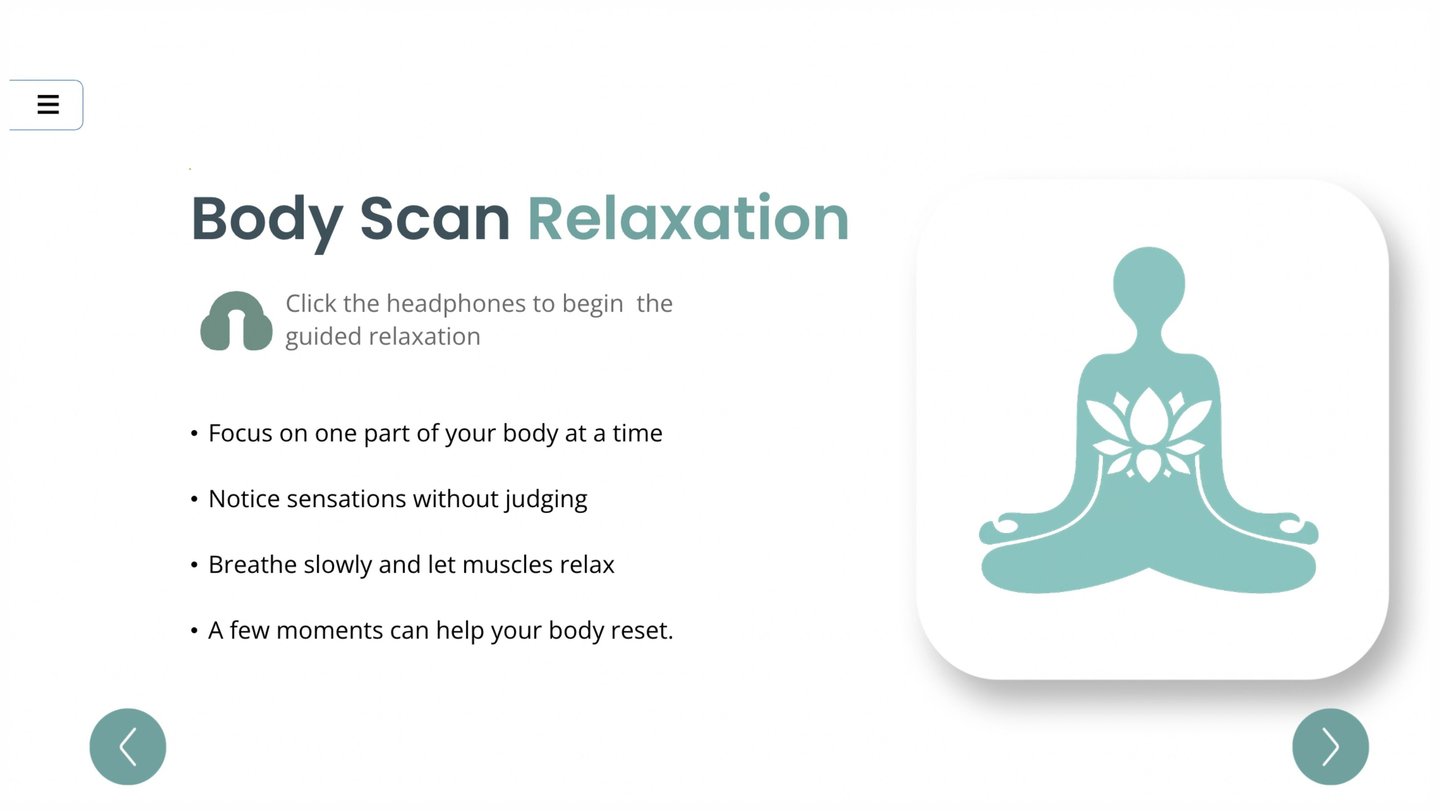
Interaction overview
This interaction introduces learners to practical self-care strategies through icon-based exploration. Each icon opens short guidance and activities, allowing learners to choose techniques that match their needs and emotional state.
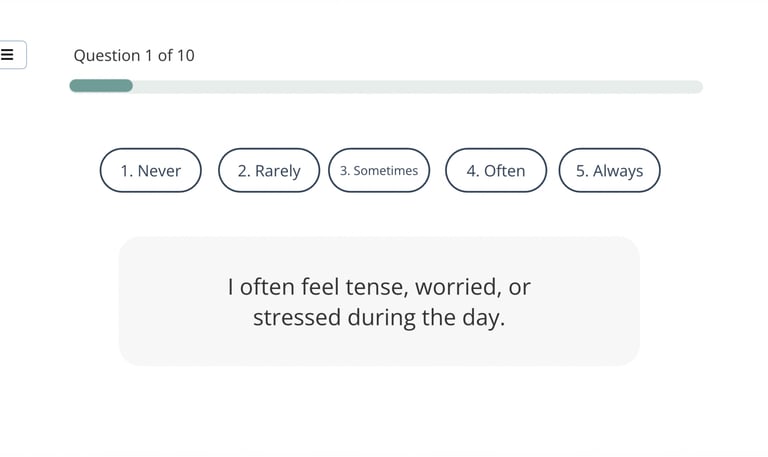
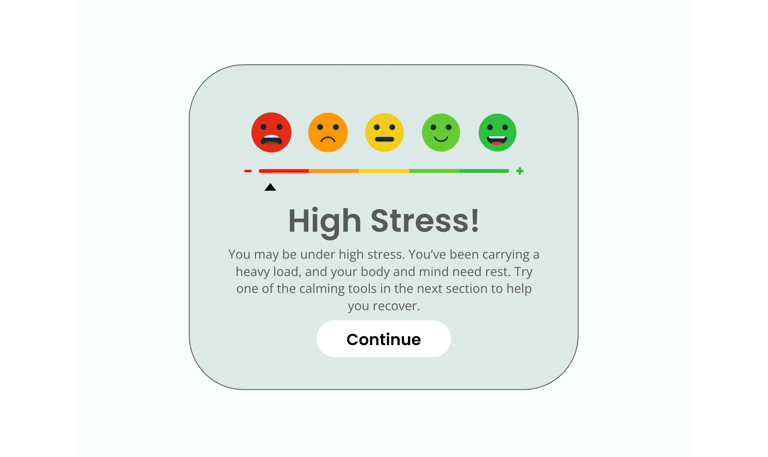
Stress Quiz
Learners begin with a gentle self-check to notice emotional state and stress levels. The quiz provides immediate feedback while maintaining a calm, supportive tone.
Project title
This project aims to develop a user-friendly mobile application that enhances productivity and organization. Through intuitive design and seamless functionality, users can efficiently manage tasks, set reminders, and collaborate with team members.


E-learning course: The Art of Meetings (Concept Project)
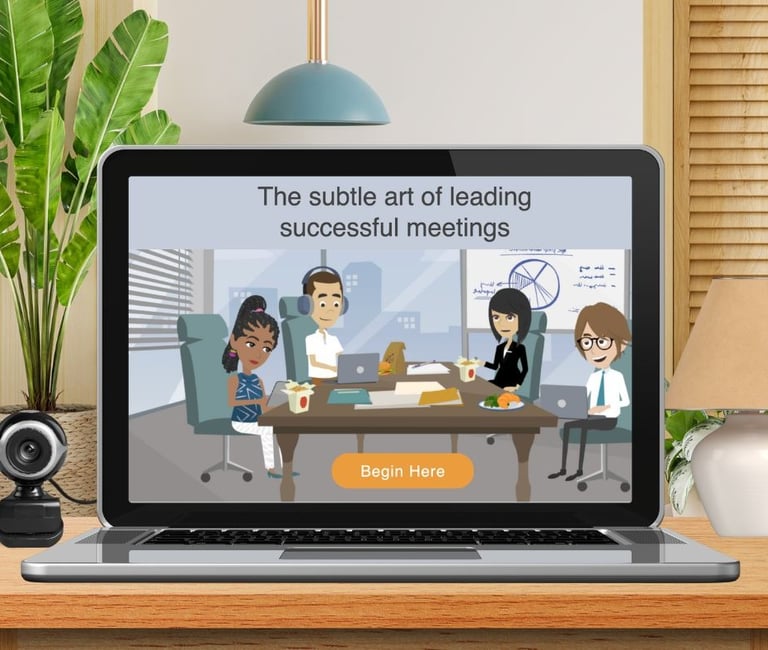
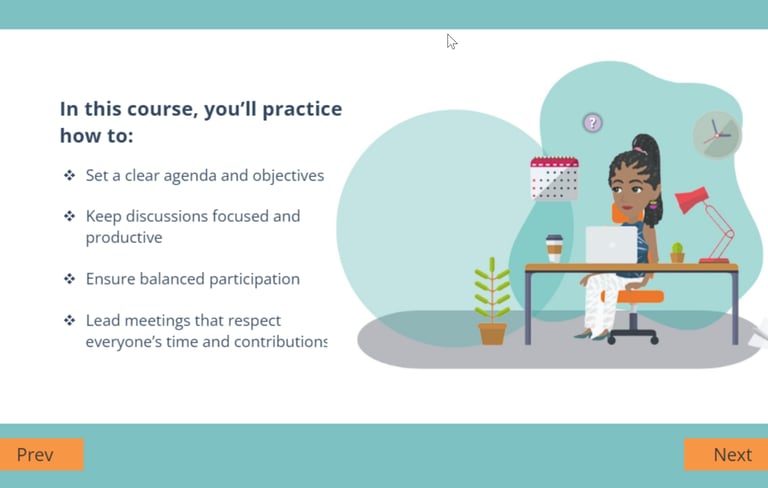
This scenario-based eLearning course helps lead project managers run effective, engaging meetings. Learners practice setting agendas, managing time, and encouraging balanced participation through realistic decision points and feedback.
Audience: Lead Project Managers mentoring other project managers
Role: Instructional Design, eLearning Development, Visual Design
Tools: Articulate Storyline 360, Canva, Vyond, Photoshop
Overview
Problem:
Project leads often struggle to run effective meetings. Despite strong technical skills, meetings can lack structure, run over time, and fail to engage participants—leading to unclear outcomes and reduced team effectiveness.
Solution:
Based on a needs analysis, I designed a scenario-based eLearning concept focused on common, real-world meeting challenges. The course places learners in branching scenarios where they make decisions related to agenda planning, time management, and managing group dynamics. Immediate feedback supports skill practice in a realistic, low-risk environment.
Intended Outcome:
This design is intended to build confidence in leading meetings, support clearer agendas, and encourage more balanced participation. The concept demonstrates how scenario-based learning can address performance issues tied to communication and leadership.
I designed and developed this project with the following steps:
Creating the Action Map
Writing the Text-based Storyboard
Designing the Visual Mockups
Developing the Interactive Prototype
Finalizing and Publishing the Project
Each section played an important part in developing the fully-functioning learning experience.
Process
Visual Mockups
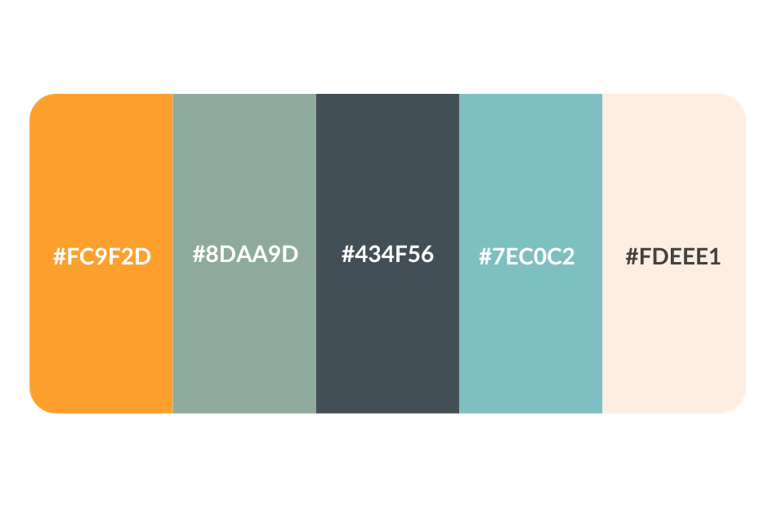
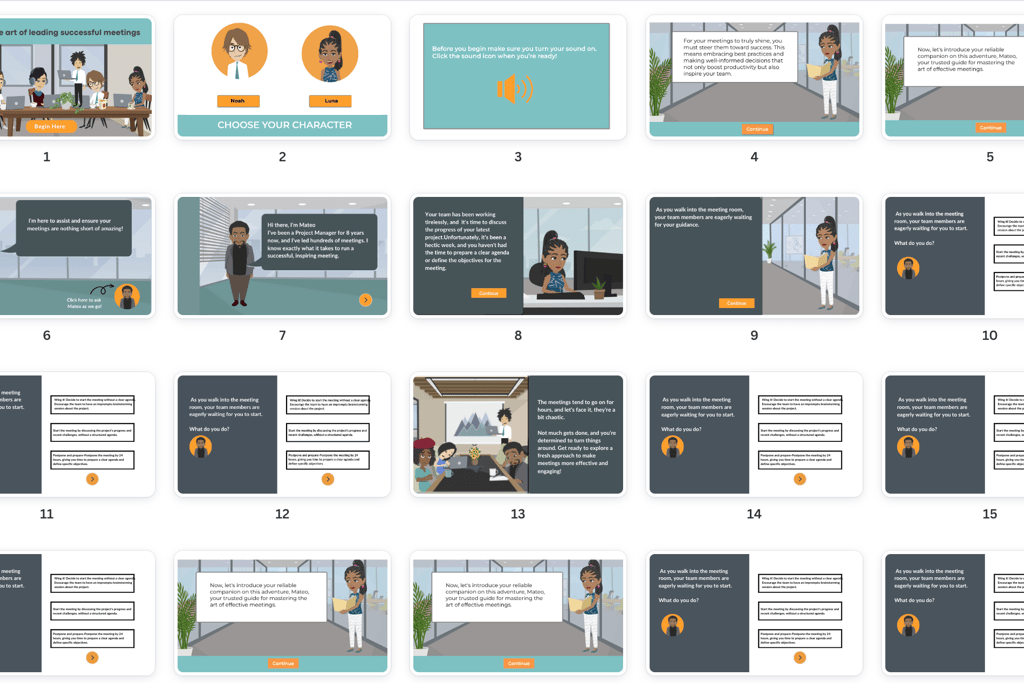
For the visual design, I focused on creating an experience that was both professional and approachable. Each mock-up went through multiple iterations to ensure clarity, consistency, and usability. Because video elements would later be developed in Vyond, I incorporated placeholder visuals during the mock-up phase so the overall flow remained cohesive.
To guide the design, I applied key principles such as proximity, alignment, contrast, and typography, ensuring every element supported comprehension and minimized distraction. I also selected a calm, balanced color scheme to set the tone for the course. Color was used not only for aesthetics but to support readability and create a learning environment that felt engaging without being overwhelming.
Full Development
After the prototype was finalized, I transitioned into building the complete learning experience in Articulate Storyline 360. This development phase took several weeks and incorporated all finalized interactions, design elements, and media assets.
One of the most impactful features of the course was the use of animated videos created with Vyond. These animations were carefully scripted and designed to establish a narrative thread throughout the course, helping learners connect with the content on a more personal level. By embedding a “story” within the training, the animations captured attention, reinforced key points, and gave learners a memorable context for applying meeting best practices.
The combination of interactivity, strong visual design, and engaging animation resulted in a dynamic, learner-centered experience that moved beyond static slides to something immersive and practical.
Custom Visuals – Every visual asset was sourced and edited for consistency, including resizing, recoloring, and adapting individual elements to create a cohesive look and feel.
Mentor Feedback – Learners received guidance from a mentor character, Mateo, who offered tailored feedback on each choice. His presence provided context, encouragement, and clear explanations.
Light Gamification – An emoji-based success meter gave learners instant feedback on their progress, helping to keep them engaged and motivated.
Branching Scenarios – Realistic decision points allowed learners to explore multiple paths and see the consequences of their choices, reinforcing application of meeting best practices.
Downloadable Job Aid – A take-away reference supported on-the-job application, ensuring the learning extended beyond the course.